Google Calendar, in your AI tools
Give your AI agent direct access to Google Calendar. Create events, check availability, and manage your schedule without leaving your workflow.
$5 one-time · No subscription · Full refund anytime
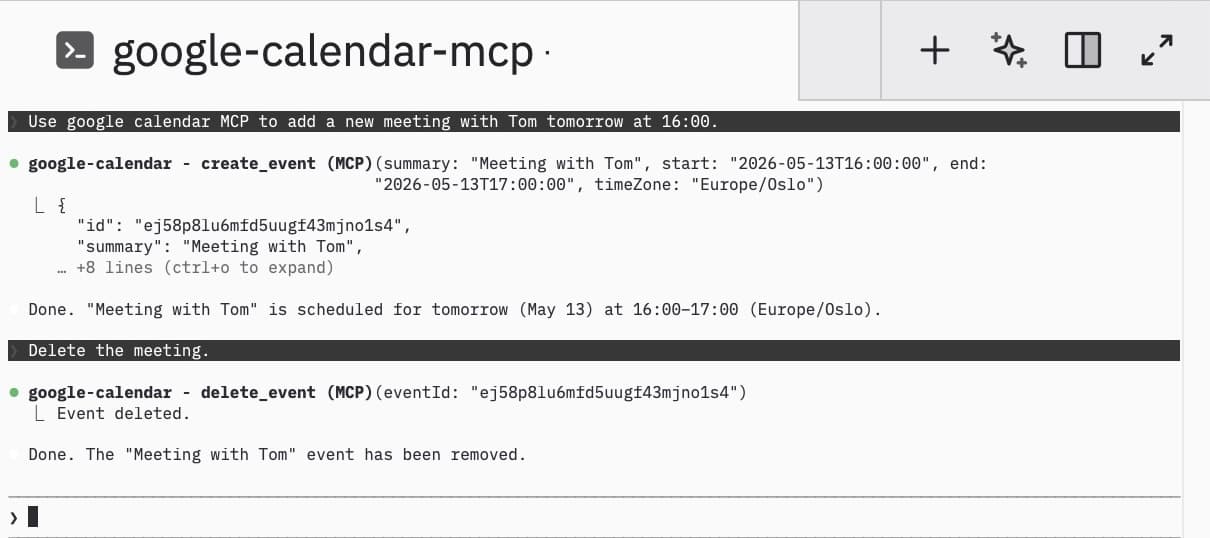
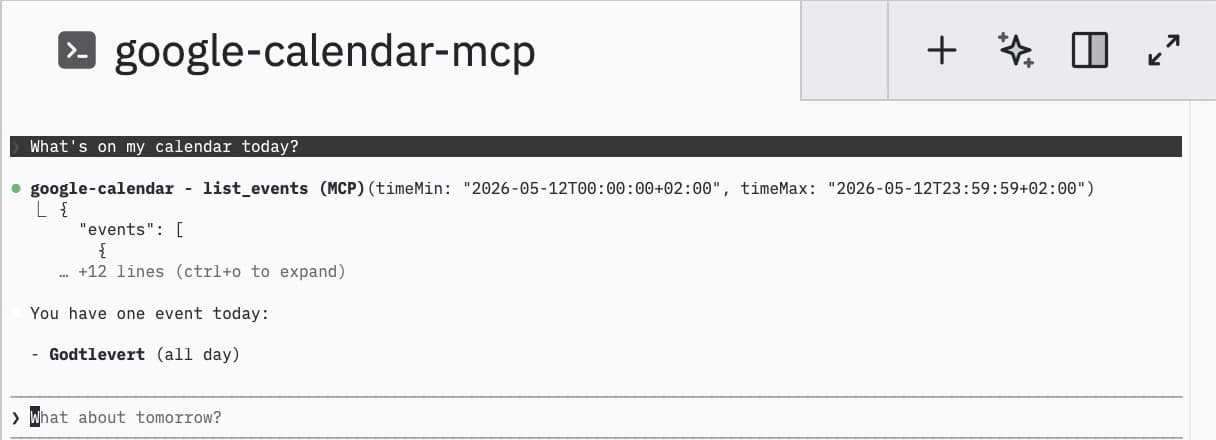
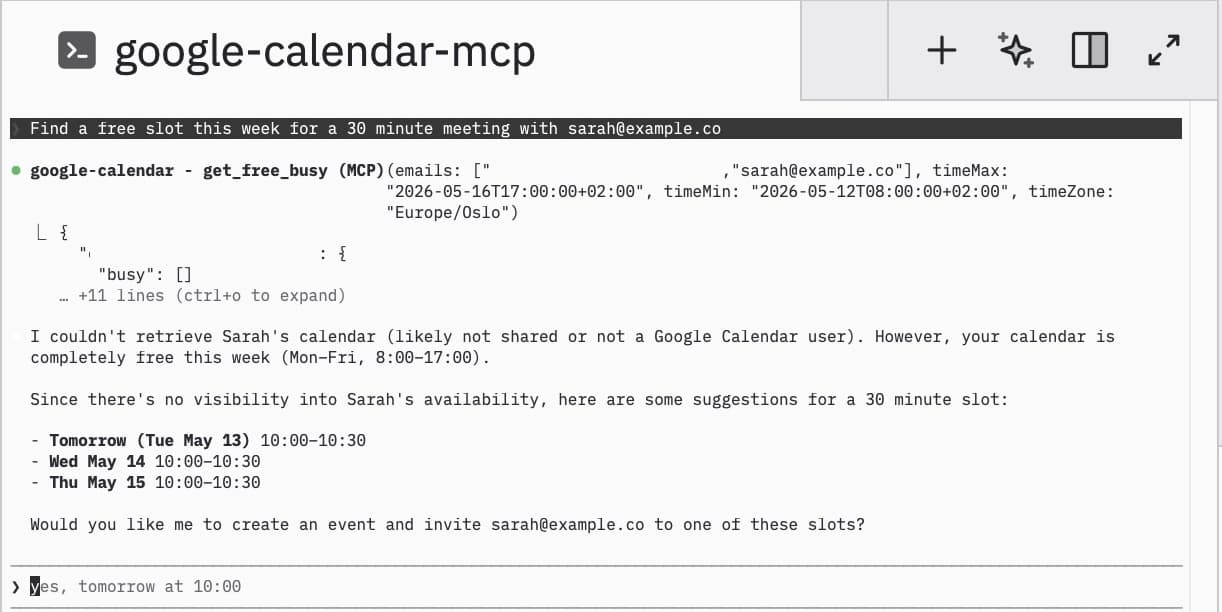
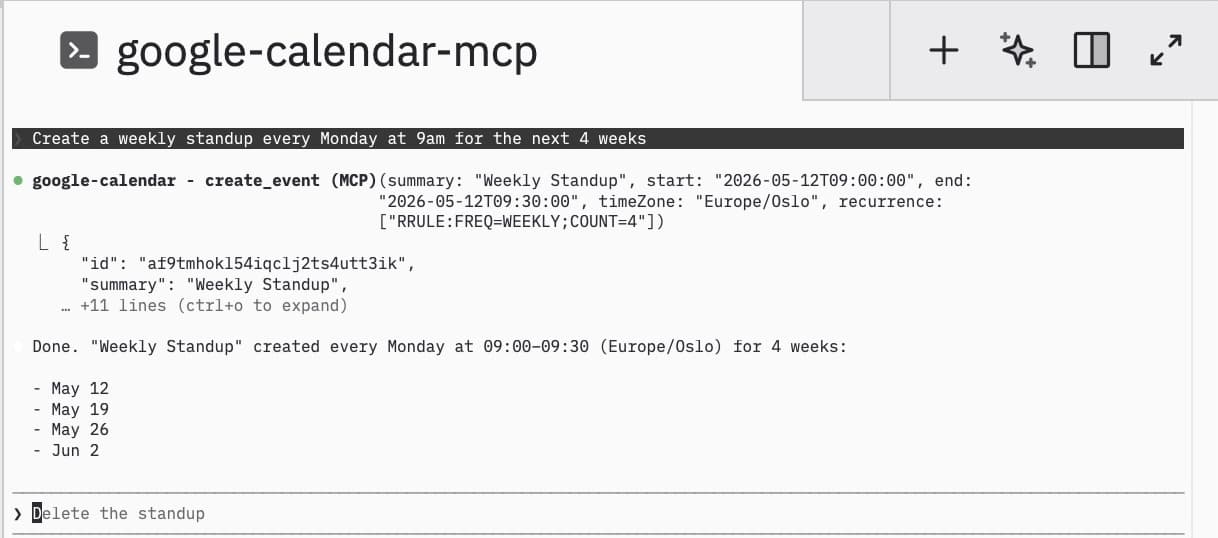
Everything you need
16 tools covering events, scheduling, and calendar management. Full control over Google Calendar from any AI assistant.
Events
List, create, update, delete, and search calendar events with full details.
Scheduling
Check free/busy status, find available slots, and coordinate across attendees.
Attendees
Add attendees, send invitations, and RSVP to events on your behalf.
Google Meet
Automatically create Google Meet links when scheduling video meetings.
Recurring Events
Create and manage recurring events with full RRULE support.
Secure
OAuth 2.0 with encrypted token storage. Your credentials never touch disk.
Up and running in minutes
Three steps to connect your Google Calendar to AI.
Purchase & Sign in with Google
Pay once, sign in with your Google account, and receive your personal API key instantly.
Add the config
Paste the MCP config into your AI tool with your API key. Takes 30 seconds.
Ask your AI
"What's on my calendar today?", "Schedule a meeting with Alice tomorrow at 2pm", "Find a free slot this week"
Add to your AI tool
Run in your terminal:
claude mcp add google-calendar -s user -e GOOGLE_CALENDAR_MCP_API_KEY=<your-api-key> -- npx -y @paytience/google-calendar-mcp@latest
Add to ~/.claude.json:
{"mcpServers": {"google-calendar": {"command": "npx","args": ["-y", "@paytience/google-calendar-mcp@latest"],"env": {"GOOGLE_CALENDAR_MCP_API_KEY": "<your-api-key>"}}}}
Ready to connect Google Calendar?
One-time purchase. No subscription. Full refund anytime.
Google Calendar MCP is a Model Context Protocol server that lets your AI agent control Google Calendar. Connect any MCP client to create events, check availability, manage schedules, and coordinate meetings across personal and Google Workspace accounts.